In the second part of the series on abandoning Windows in favor of Linux, I will present a computer (and its accompanying environment) that will serve as my model example of using Linux. In addition to technical issues, I will also try to explain my choices and share the problems I encountered.

| Lista wpisów tej serii: |
Rozdziały drugiej cześci:
Computer and peripherals.
The computer I used to perform the migration (the same one on which this text is being written) is an older machine:
HP ProDesk 400 G4 DM, with the following configuration:
– Intel I3-8100T processor (built-in Intel UHD 630 graphics).
– 24GB of RAM (DDR4/PC4-2666V).
– KIOXIA EG6 SSD drive, on an M.2 NVMe bus, with a capacity of 512GB.
The computer is very small – 177.03 x 175.0 x 34.29 mm and weighs only 1.2 kg. For several reasons, it is ideal for such a migration and for testing the Linux system.
It is a model aimed at businesses (ProDesk series), and therefore designed for everyday office work. It is small, which combines the worlds of desktop computers and laptops (the RAM inside is typical of models found in portable computers). Most importantly, it is a fairly old unit (released around 2018), so the drivers should already be refined.
As for external peripherals, at the time of writing, the following were connected:
– Lenovo N27q monitor.
– Logitech M235 Gen2 mouse.
– Accura ARTESIA keyboard (ACC-K1408).
– Brother HL-L3270CDW printer (on the LAN).
– External HDD WD Elements (2TB/USB 2.0).
Linux operating system distributions.

Linux Logo, by Larry Ewing, Simon Budig, Garrett LeSage - https://isc.tamu.edu/~lewing/linux/, http://www.home.unix-ag.org/simon/penguin/, garrett/Tux on GitHub, CC0, https://commons.wikimedia.org/w/index.php?curid=753970
From among the many distributions available, I had to balance convenience, experience (gained in administration or server configuration), and suitability for what I do on a daily basis (i.e., I want a relatively smooth transition from the programs I use to the closest possible experience in the new environment). And here I simplified the choice to really 3 Linux distributions:
 Linux Mint – The most user-friendly for new users (not only those switching from Windows, but in general). Very convenient, great device support, and lots of software. Based on Ubuntu (which is itself a Debian distribution expanded with its own solutions).
I also have fond memories of Linux Mint – when I first tested this system, I saw its enormous potential, which is why in 2012 I joined the community of translators for this system and took on the task of supplementing or adding missing expressions in Polish.
Linux Mint has its own window manager (Cinnamon), which is its own program for displaying the desktop and windows. It is very simple, yet offers quite a lot of configuration options.
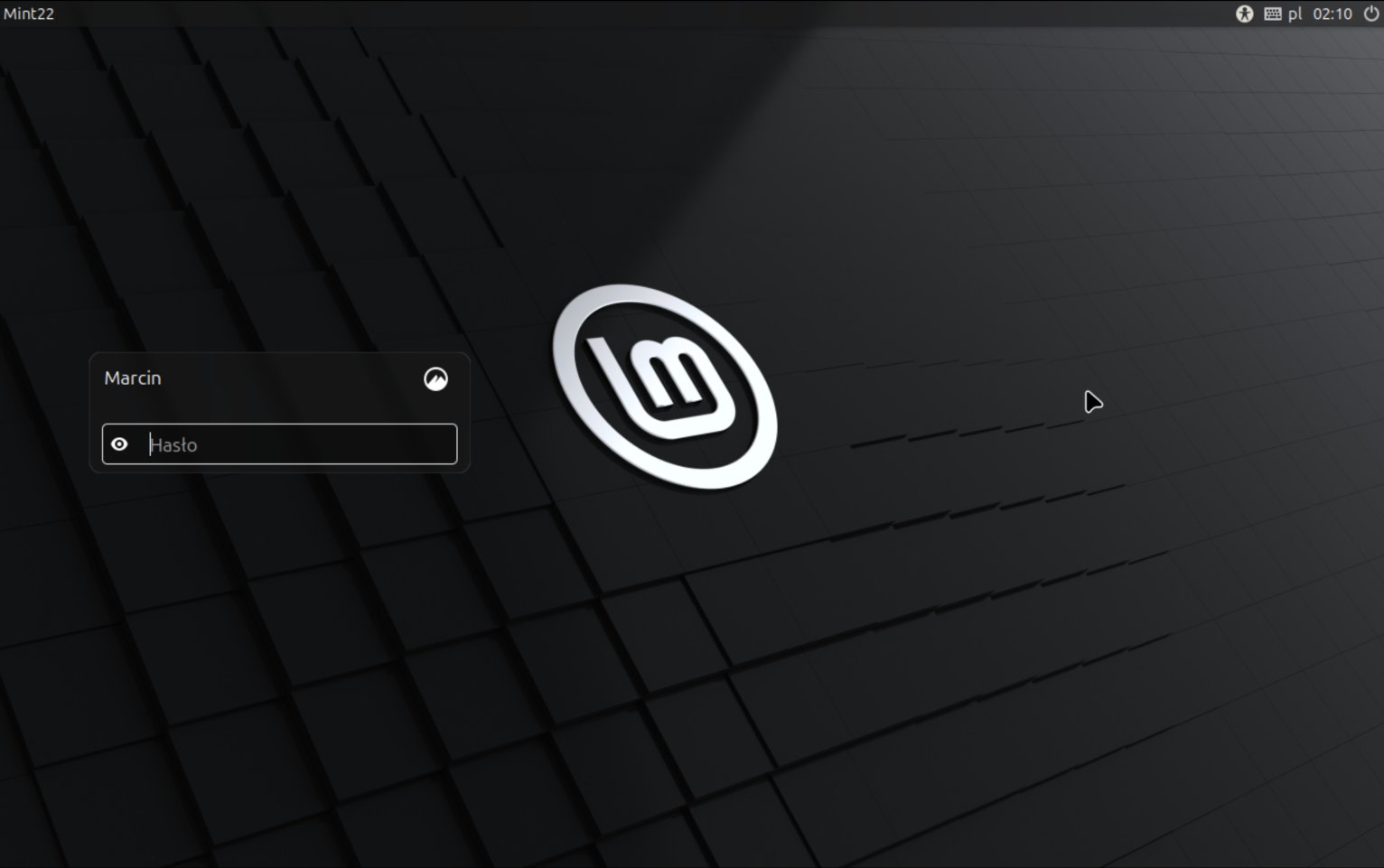
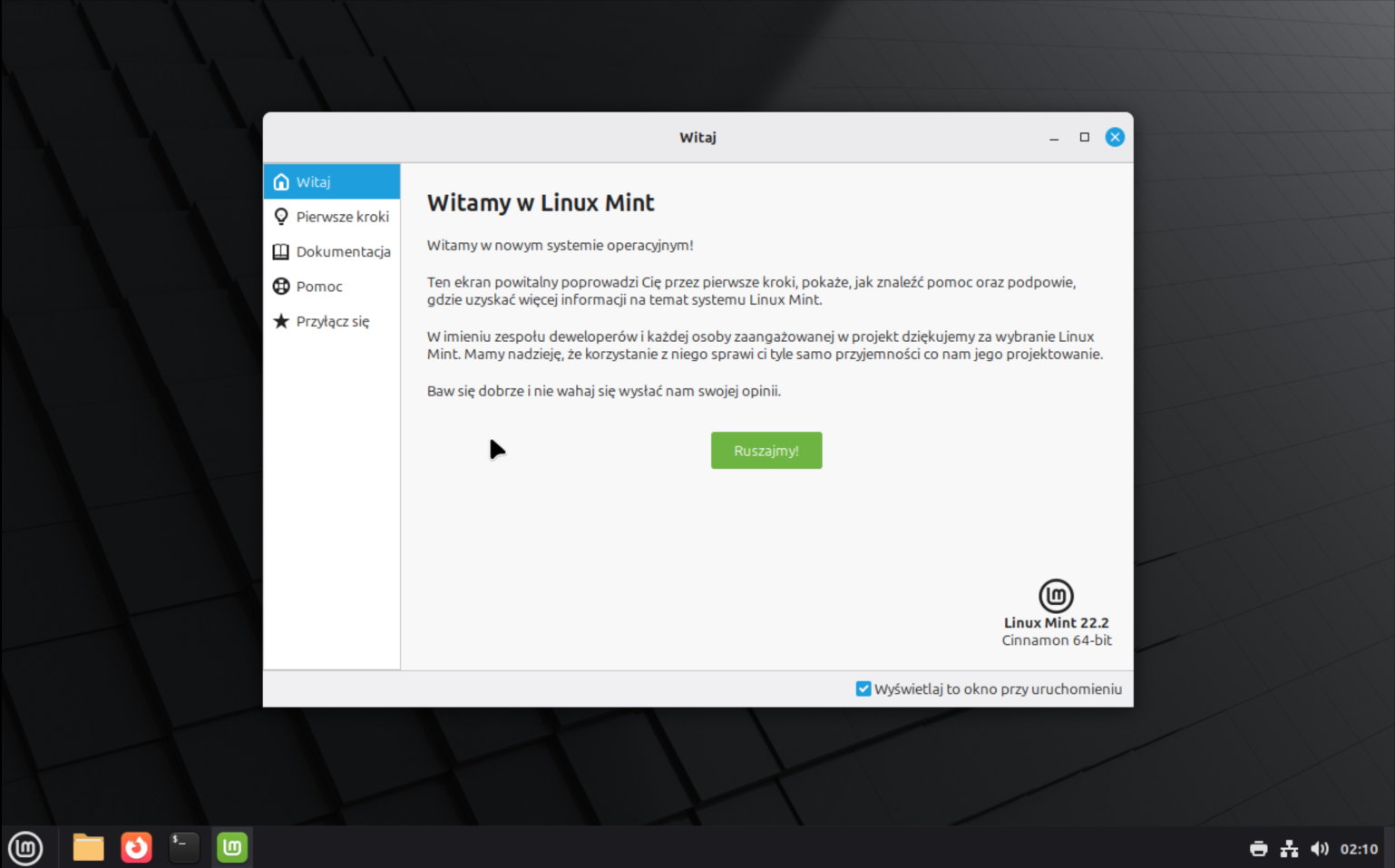
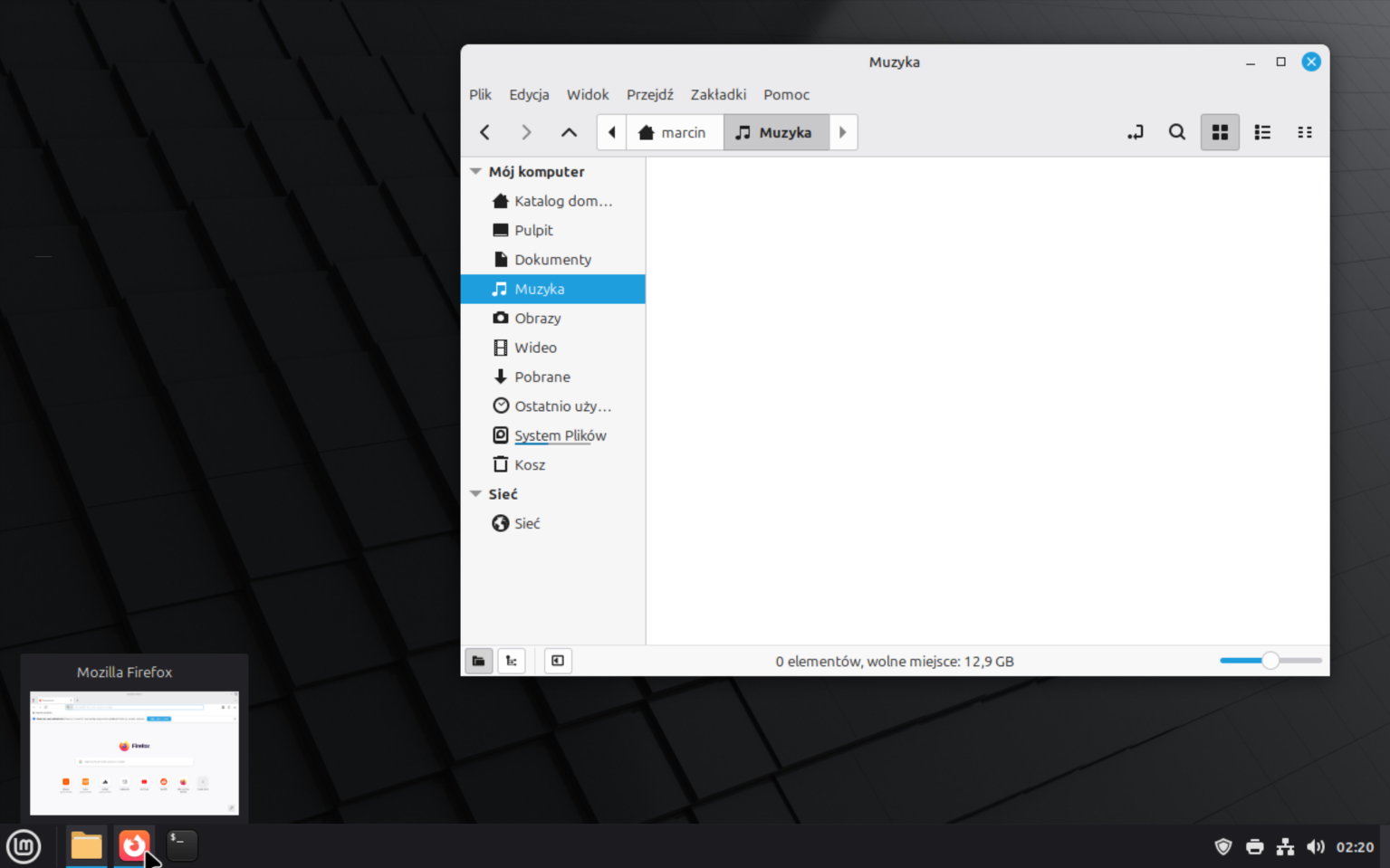
Operating system website: linuxmint.com
 Q4OS – Another distribution based directly on Debian. At the very beginning, the authors were very keen to make the graphical environment similar to that of Windows. Although the interface is based on the fairly popular KDE (Plasma) window manager, it is easy to use, has many configuration options, and looks beautiful. The advantage of Q4OS, however, is that it is quite fast and has a number of tools that make it look like Windows. Even the installation of programs is similar to that known from Windows.
Here, too, I had a brief stint helping with translations, but it was short-lived because at that time I wasn't entirely comfortable with the direction the system was taking.
Meeting with Q4OS is an interesting experience; many things are done there in a very individual way.
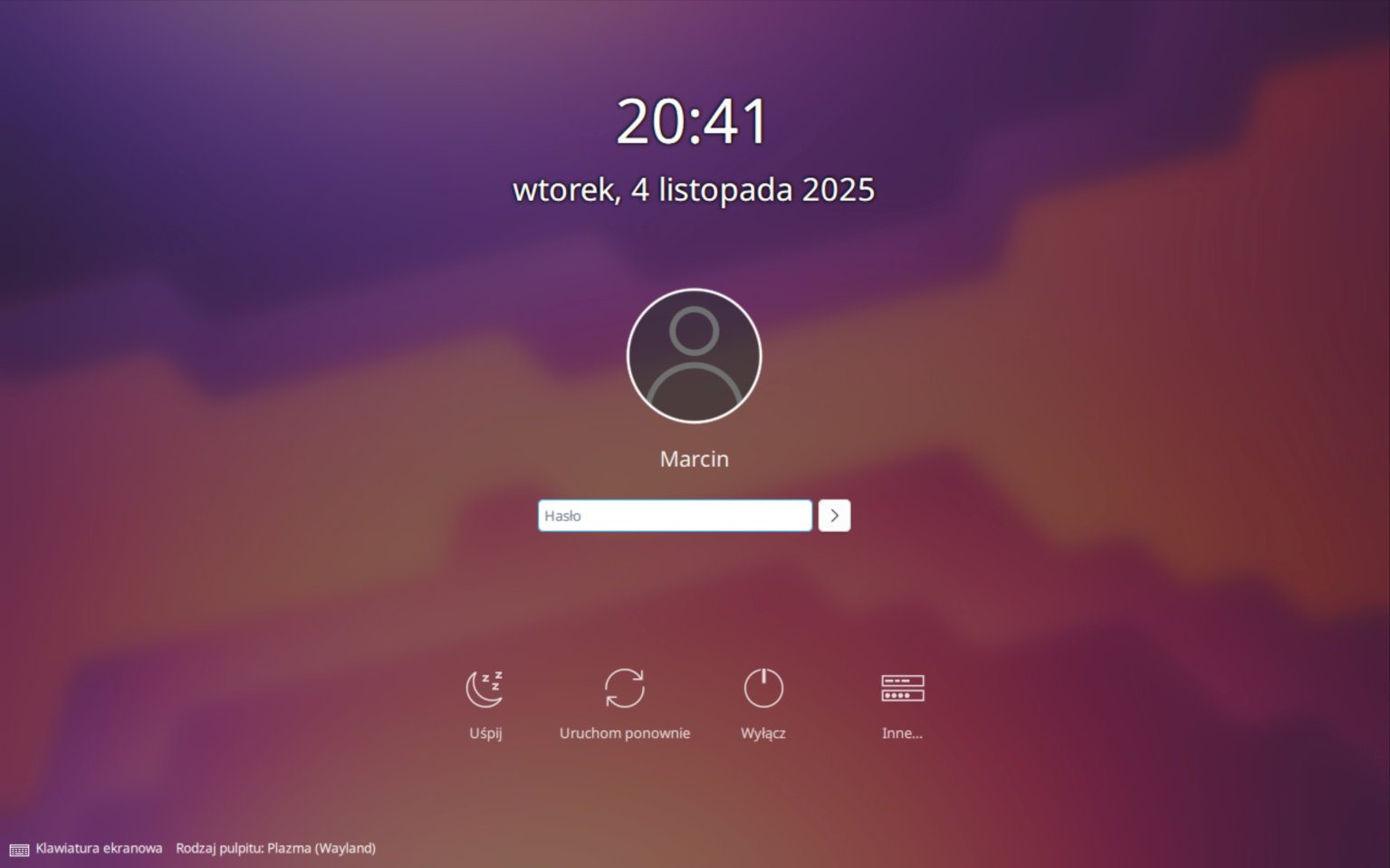
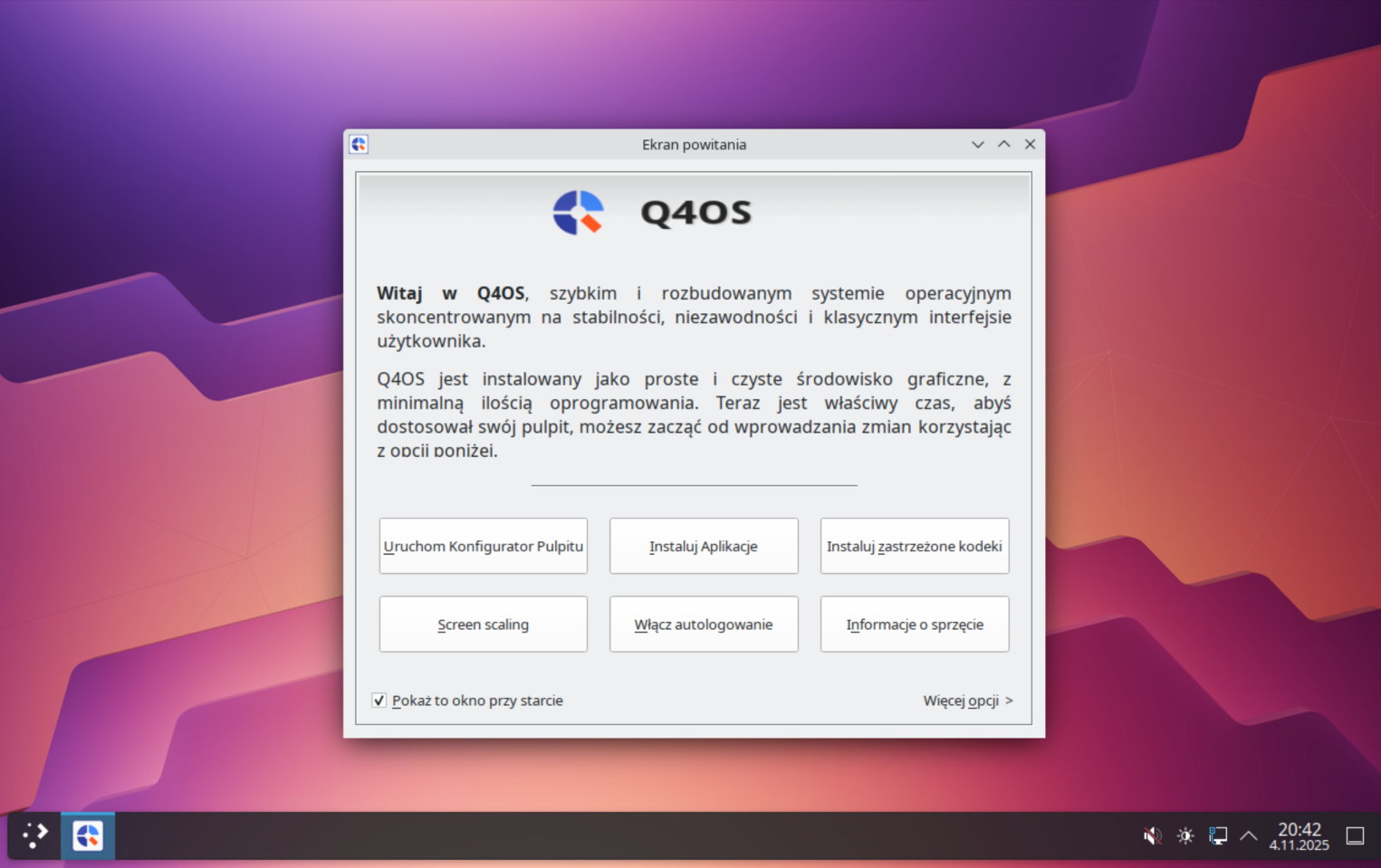
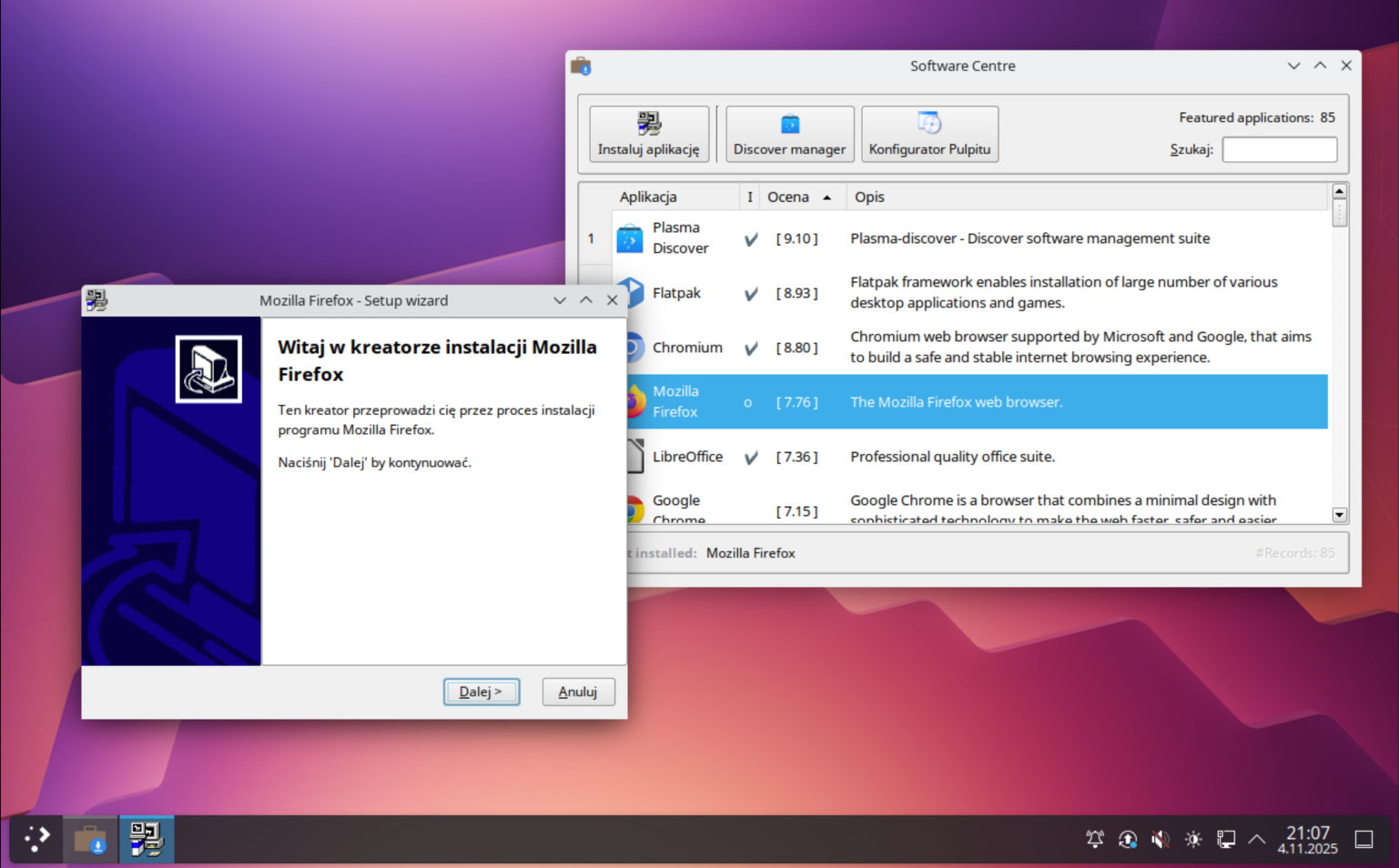
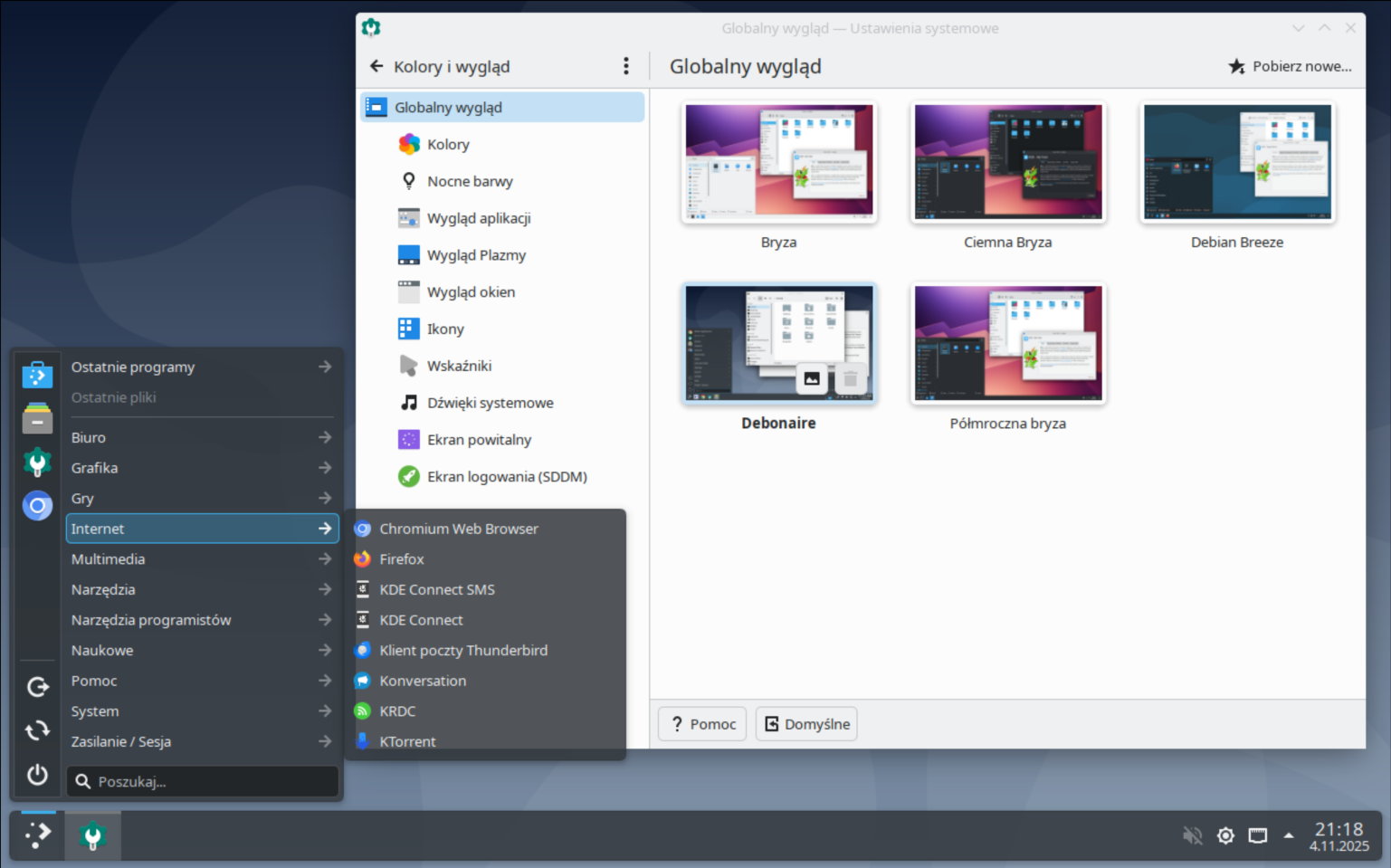
Operating system website: q4os.org
 Red Hat Enterprise Linux – A system which, unlike others, is not based on another distribution, but has itself become the basis for many other systems. It has been developed practically since the inception of the Linux kernel (1994) and most often serves as the basis for other systems. Aimed mainly at companies and corporations, it is equipped with various tools that facilitate the management of both individual systems and group environments. Consequently, it is the only paid distribution mentioned here. However, along with the license fee, we get professional support from the manufacturer, who is happy to help solve any problems.
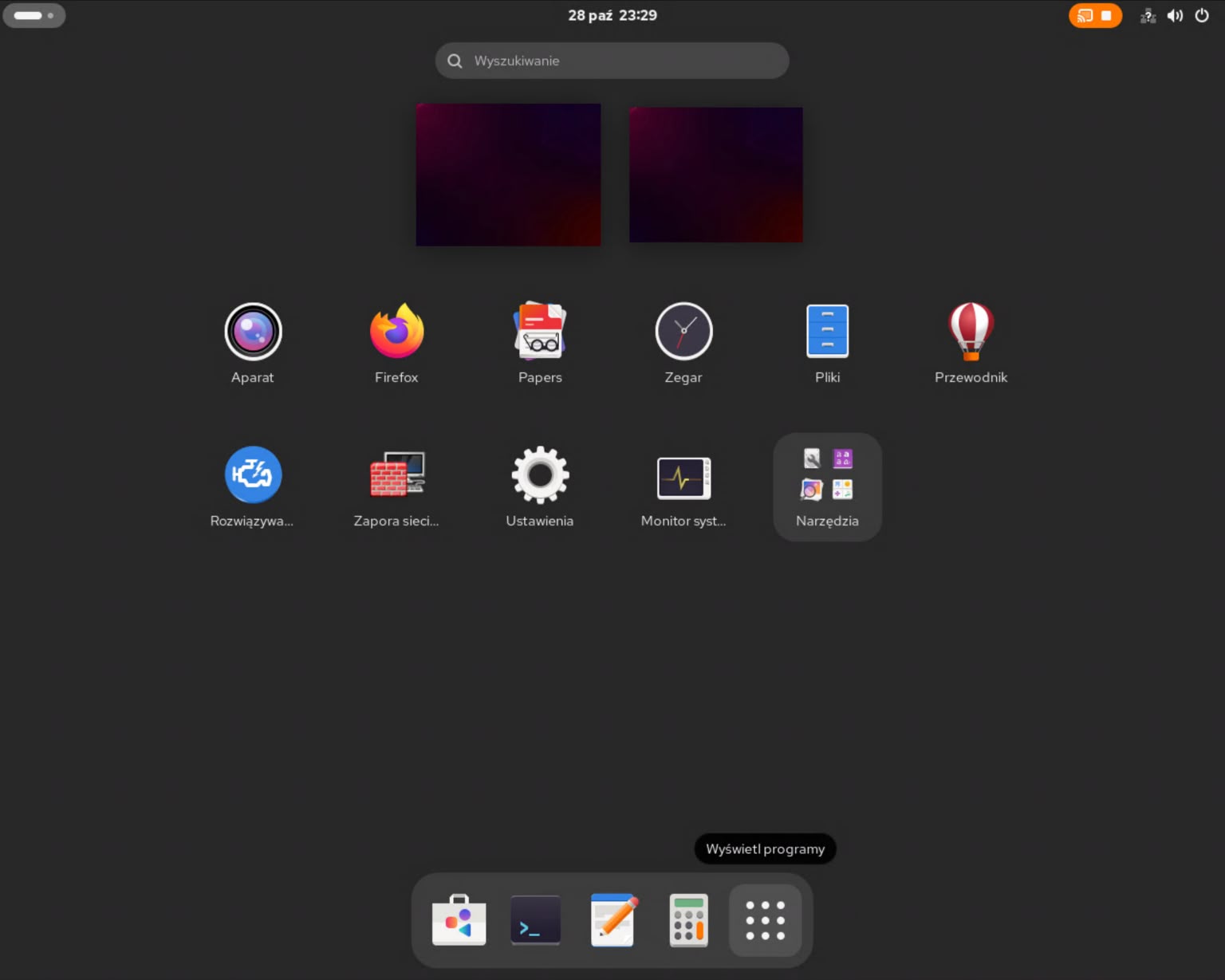
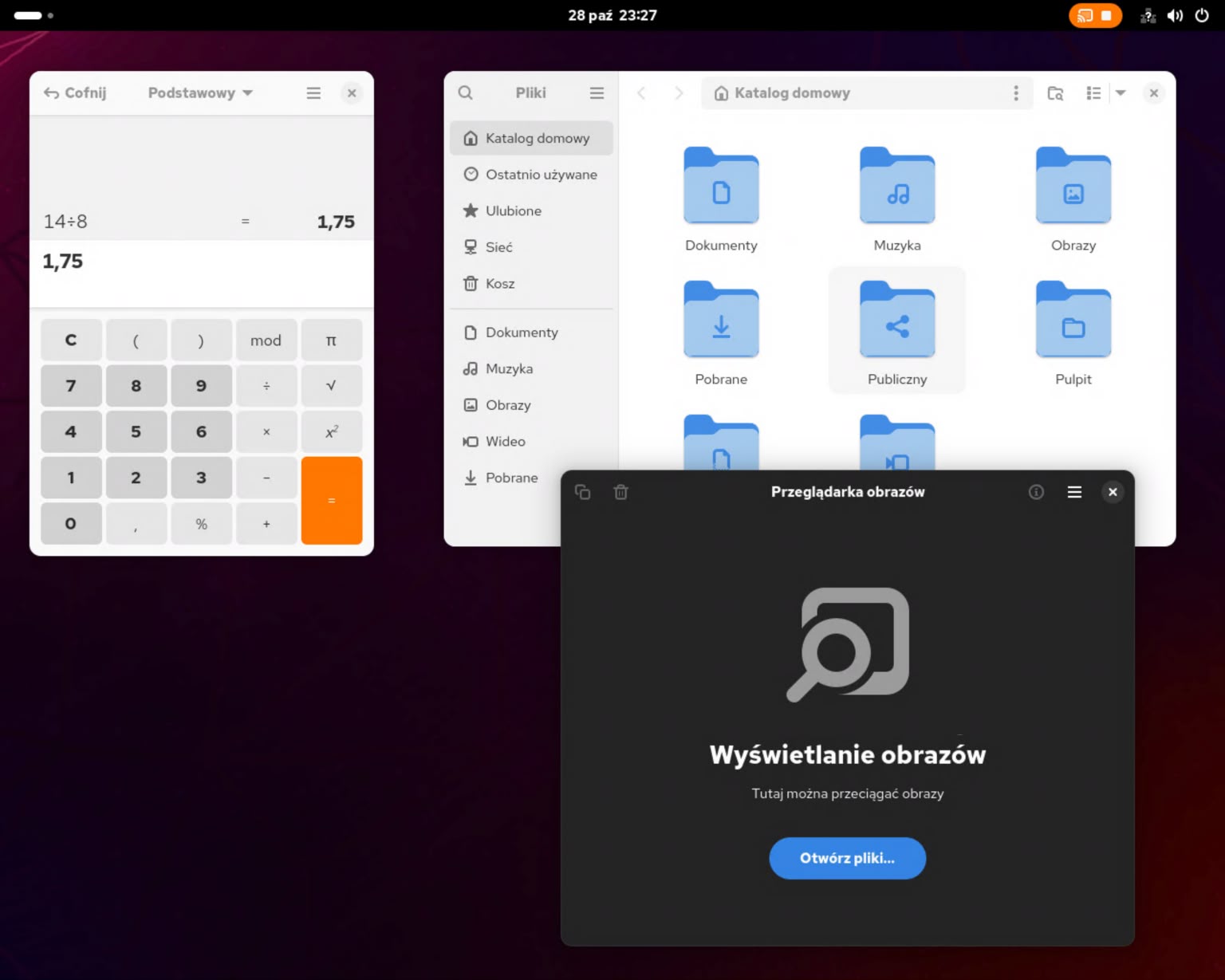
Thanks to the workstation software suite, it can also be used in graphical mode, in addition to servers. The default window environment is GNOME (designed to be comfortable on touch screens as well as with a mouse and keyboard).
The license on which the Linux kernel (or basic programs) is based requires its sources to be made available (even though access is subject to a fee—together with the purchase of a license for use), which is why other systems are created on the basis of RHEL, 100% compatible with the original. Such systems include Rocky Linux and Alma Linux. They provide exactly the same user experience, but without manufacturer support and specific tools outside the system itself.
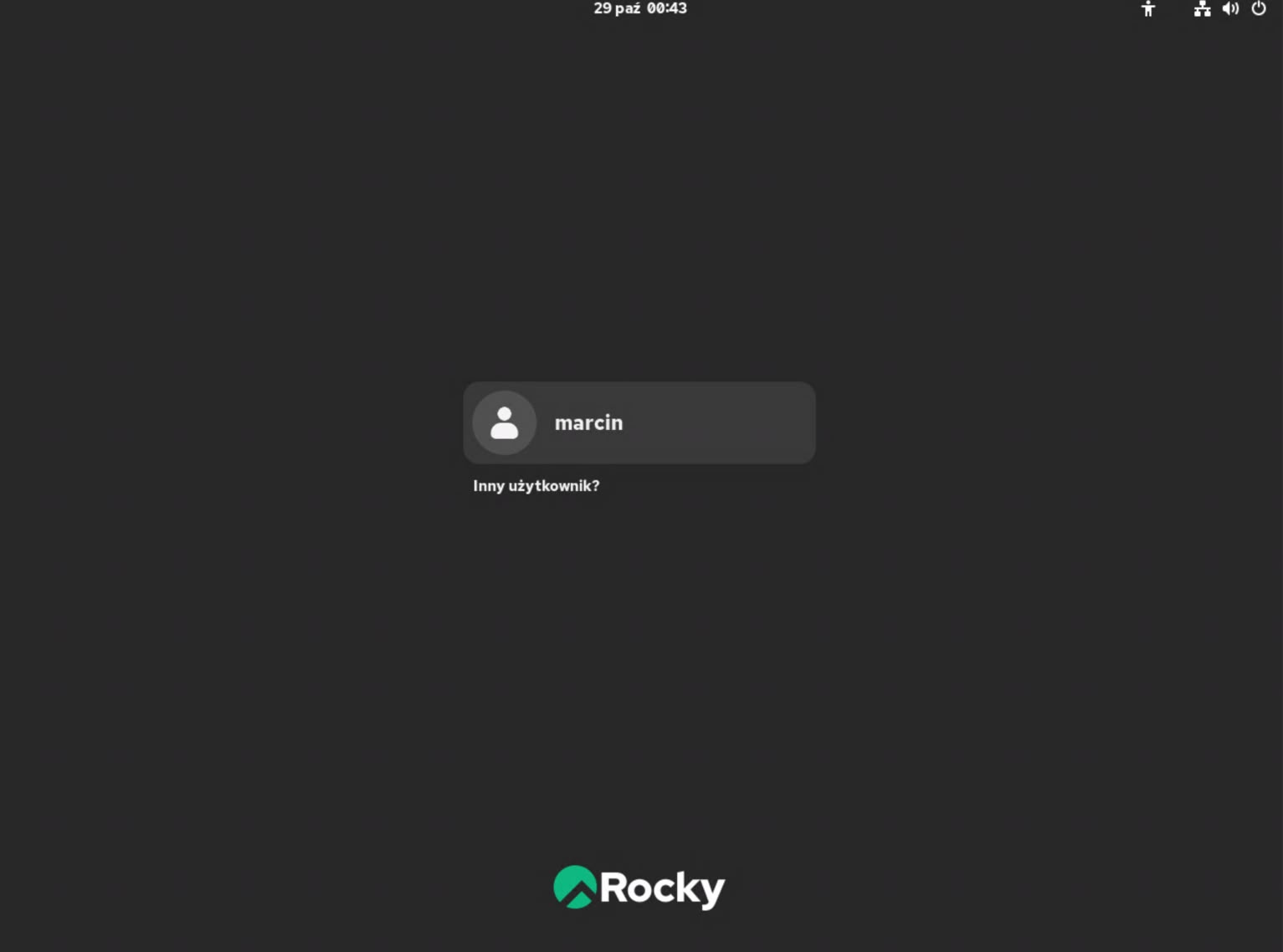
Operating system website: www.redhat.com
Ultimately, without hesitation, I would choose Linux Mint for my home or office computer. It is best suited for an easy transition from a previous system. It is very refined in terms of appearance and ease of use. It also works great with the hardware in the computer itself. But…
However, since I mostly work with servers running RHEL (or its equivalents), I decided to go with this system. I often write scripts to automate tasks in this system, and it will make things easier (same paths, program versions, references to system components).
Of course, this comes with certain inconveniences that I could easily avoid by choosing Mint, but on the other hand, I gain an environment that I know very well "from the inside," which should speed up the resolution of any problems that may arise.
A note for Linux veterans who may have come across this text:
Of course, I could list more distributions that are praised and popular, but in my case, most of them are simply unstable or simply did not work for me over the years. And although systems such as Arch, Ubuntu, and Zorin are popular and recommended, they are practically unheard of in corporations or larger enterprises. In the end, there is usually software that works similarly regardless of the distro.
First impressions = first problems.
1 – After restarting, I was greeted by the login screen, which let me into Gnome after I entered the correct details. And at that moment, I noticed something. There were no sounds. No welcome message, no other sounds. I checked and found that the system did not recognize the audio device at all. Perhaps this was because the monitor I use does not have its own speakers, only a mini-jack output to which they must be connected. And unfortunately, the connected speakers did not work.
2 – After going into sleep mode, the computer froze and could not be woken up in any way. Only a reset helped. Unfortunately, the logs were empty, but that makes sense – after all, the error would have to be recorded at the moment when the disks are turned off.
3 – Finding (network) printers on the LAN does not work. The system does not see any devices at all (Brother laser printer, and later added Canon – dye sublimation printer). For testing purposes, I checked Fedora and Mint distributions (booted in live mode from a USB flash drive), and both distributions detected the devices automatically after startup and added the appropriate drivers without any clicking. Even clicking did not help here.
4 – Strange "horizontal lines" in text editors, e.g., Kwrite, after creating an empty document or opening a file. There was a suspicion that RAM was to blame.
5 – No icon notifying of new email messages (Thunderbird application). There is some conflict here between the application and the Gnome environment.
6 – After changing the graphical environment from Gnome to KDE Plasma, some applications still used the default Gnome file manager as their default. After changing the "default" application in the settings, adding environment variable values, and editing the DSUB/MIME configuration in Firefox/Floorp, the error still occurred (for downloaded files). It turned out that this is a known bug in this browser (reported in 2008) and has not been fixed to this day.
7 – The scaling magnification left in the Gnome settings worked twice in some applications (I set it in KDE as well). Fortunately, returning to 100% in Gnome fixed it, but it was an interesting experience.
8 – Some applications lose access to the paths from which they updated the file list (from mounted external sources such as a network drive) after the user logs in again or restarts the computer. Simply put, the path becomes partially "random" when mounting the resource, and we lose, for example, the ability to play our music albums from the application that created their library.
9 – In general, there are few applications in the default repo. The solution to this is additional repositories (EPEL, ELRepo, and RPMForge) and applications distributed in the form of Flatpak, Appimage, or Snap packages.
10 – The 8BitDo Ultimate 2 Wireless Controller gamepad, although detected as a USB device, did not work (it was not detected by any application, system settings, or games).
Preliminary summary.
At the time of writing, I have managed to solve most of the problems mentioned above. Many of them disappeared after changing the graphical environment from Gnome to KDE Plasma. I wonder why such a clunky and inconvenient environment as Gnome is still popular, even though it is one of the worst experiences I have had working with various user interfaces from the days of the ZX Spectrum to the present. The only thing Gnome can compete with is the Windows 8 interface.
Its only advantage, from the point of view of the distribution publisher, is probably the fact that by default it is a very simple interface with very few configuration options in the default installation. However, I cannot find any positives here for users who use a graphical interface to manage their computer.
In the next part of this series, I will directly address the problems I encountered and how I dealt with them. The solutions should be suitable for both the source distribution -RHEL and those based on its sources – Rocky Linux and Alma Linux.
| Lista wpisów tej serii: |